
'%20gradientUnits='userSpaceOnUse'%3e%3cstop%20offset='.7'%20stop-opacity='0'/%3e%3cstop%20offset='.9'%20stop-opacity='.5'/%3e%3cstop%20offset='1'/%3e%3c/radialGradient%3e%3cradialGradient%20id='d'%20cx='-340.3'%20cy='63'%20r='143.2'%20gradientTransform='matrix(.15%20-.99%20-.8%20-.12%20176.6%20-125.4)'%20gradientUnits='userSpaceOnUse'%3e%3cstop%20offset='.8'%20stop-opacity='0'/%3e%3cstop%20offset='.9'%20stop-opacity='.5'/%3e%3cstop%20offset='1'/%3e%3c/radialGradient%3e%3cradialGradient%20id='e'%20cx='113.4'%20cy='570.2'%20r='202.4'%20gradientTransform='matrix(-.04%201%202.13%20.08%20-1179.5%20-106.7)'%20gradientUnits='userSpaceOnUse'%3e%3cstop%20offset='0'%20stop-color='%2335c1f1'/%3e%3cstop%20offset='.1'%20stop-color='%2334c1ed'/%3e%3cstop%20offset='.2'%20stop-color='%232fc2df'/%3e%3cstop%20offset='.3'%20stop-color='%232bc3d2'/%3e%3cstop%20offset='.7'%20stop-color='%2336c752'/%3e%3c/radialGradient%3e%3cradialGradient%20id='f'%20cx='376.5'%20cy='568'%20r='97.3'%20gradientTransform='matrix(.28%20.96%20.78%20-.23%20-303.8%20-148.5)'%20gradientUnits='userSpaceOnUse'%3e%3cstop%20offset='0'%20stop-color='%2366eb6e'/%3e%3cstop%20offset='1'%20stop-color='%2366eb6e'%20stop-opacity='0'/%3e%3c/radialGradient%3e%3clinearGradient%20id='a'%20x1='63.3'%20x2='241.7'%20y1='84'%20y2='84'%20gradientTransform='matrix(1%200%200%20-1%200%20266)'%20gradientUnits='userSpaceOnUse'%3e%3cstop%20offset='0'%20stop-color='%230c59a4'/%3e%3cstop%20offset='1'%20stop-color='%23114a8b'/%3e%3c/linearGradient%3e%3clinearGradient%20id='c'%20x1='157.3'%20x2='46'%20y1='161.4'%20y2='40.1'%20gradientTransform='matrix(1%200%200%20-1%200%20266)'%20gradientUnits='userSpaceOnUse'%3e%3cstop%20offset='0'%20stop-color='%231b9de2'/%3e%3cstop%20offset='.2'%20stop-color='%231595df'/%3e%3cstop%20offset='.7'%20stop-color='%230680d7'/%3e%3cstop%20offset='1'%20stop-color='%230078d4'/%3e%3c/linearGradient%3e%3c/defs%3e%3cpath%20fill='url(%23a)'%20d='M235.7%20195.5a93.7%2093.7%200%200%201-10.6%204.7%20101.9%20101.9%200%200%201-35.9%206.4c-47.3%200-88.5-32.5-88.5-74.3a31.5%2031.5%200%200%201%2016.4-27.3c-42.8%201.8-53.8%2046.4-53.8%2072.5%200%2074%2068.1%2081.4%2082.8%2081.4%207.9%200%2019.8-2.3%2027-4.6l1.3-.4a128.3%20128.3%200%200%200%2066.6-52.8%204%204%200%200%200-5.3-5.6Z'%20transform='translate(-4.6%20-5)'/%3e%3cpath%20fill='url(%23b)'%20d='M235.7%20195.5a93.7%2093.7%200%200%201-10.6%204.7%20101.9%20101.9%200%200%201-35.9%206.4c-47.3%200-88.5-32.5-88.5-74.3a31.5%2031.5%200%200%201%2016.4-27.3c-42.8%201.8-53.8%2046.4-53.8%2072.5%200%2074%2068.1%2081.4%2082.8%2081.4%207.9%200%2019.8-2.3%2027-4.6l1.3-.4a128.3%20128.3%200%200%200%2066.6-52.8%204%204%200%200%200-5.3-5.6Z'%20opacity='.35'%20style='isolation:isolate'%20transform='translate(-4.6%20-5)'/%3e%3cpath%20fill='url(%23c)'%20d='M110.3%20246.3A79.2%2079.2%200%200%201%2087.6%20225a80.7%2080.7%200%200%201%2029.5-120c3.2-1.5%208.5-4.1%2015.6-4a32.4%2032.4%200%200%201%2025.7%2013%2031.9%2031.9%200%200%201%206.3%2018.7c0-.2%2024.5-79.6-80-79.6-43.9%200-80%2041.6-80%2078.2a130.2%20130.2%200%200%200%2012.1%2056%20128%20128%200%200%200%20156.4%2067%2075.5%2075.5%200%200%201-62.8-8Z'%20transform='translate(-4.6%20-5)'/%3e%3cpath%20fill='url(%23d)'%20d='M110.3%20246.3A79.2%2079.2%200%200%201%2087.6%20225a80.7%2080.7%200%200%201%2029.5-120c3.2-1.5%208.5-4.1%2015.6-4a32.4%2032.4%200%200%201%2025.7%2013%2031.9%2031.9%200%200%201%206.3%2018.7c0-.2%2024.5-79.6-80-79.6-43.9%200-80%2041.6-80%2078.2a130.2%20130.2%200%200%200%2012.1%2056%20128%20128%200%200%200%20156.4%2067%2075.5%2075.5%200%200%201-62.8-8Z'%20opacity='.41'%20style='isolation:isolate'%20transform='translate(-4.6%20-5)'/%3e%3cpath%20fill='url(%23e)'%20d='M157%20153.8c-.9%201-3.4%202.5-3.4%205.6%200%202.6%201.7%205.2%204.8%207.3%2014.3%2010%2041.4%208.6%2041.5%208.6a59.6%2059.6%200%200%200%2030.3-8.3%2061.4%2061.4%200%200%200%2030.4-52.9c.3-22.4-8-37.3-11.3-43.9C228%2028.8%20182.3%205%20132.6%205a128%20128%200%200%200-128%20126.2c.5-36.5%2036.8-66%2080-66%203.5%200%2023.5.3%2042%2010a72.6%2072.6%200%200%201%2030.9%2029.3c6.1%2010.6%207.2%2024.1%207.2%2029.5s-2.7%2013.3-7.8%2019.9Z'%20transform='translate(-4.6%20-5)'/%3e%3cpath%20fill='url(%23f)'%20d='M157%20153.8c-.9%201-3.4%202.5-3.4%205.6%200%202.6%201.7%205.2%204.8%207.3%2014.3%2010%2041.4%208.6%2041.5%208.6a59.6%2059.6%200%200%200%2030.3-8.3%2061.4%2061.4%200%200%200%2030.4-52.9c.3-22.4-8-37.3-11.3-43.9C228%2028.8%20182.3%205%20132.6%205a128%20128%200%200%200-128%20126.2c.5-36.5%2036.8-66%2080-66%203.5%200%2023.5.3%2042%2010a72.6%2072.6%200%200%201%2030.9%2029.3c6.1%2010.6%207.2%2024.1%207.2%2029.5s-2.7%2013.3-7.8%2019.9Z'%20transform='translate(-4.6%20-5)'/%3e%3c/svg%3e)


Private
Your vault is encrypted on your devices, website addresses included. Our servers can't read it, swap a key or roll it back without your devices noticing.
How it's securedEvery password, passkey and 2FA code on every device, end-to-end encrypted. Your choice of where your vault lives, and a price locked for as long as you stay.
Vallkey opens soon. Join the waitlist to hear first.
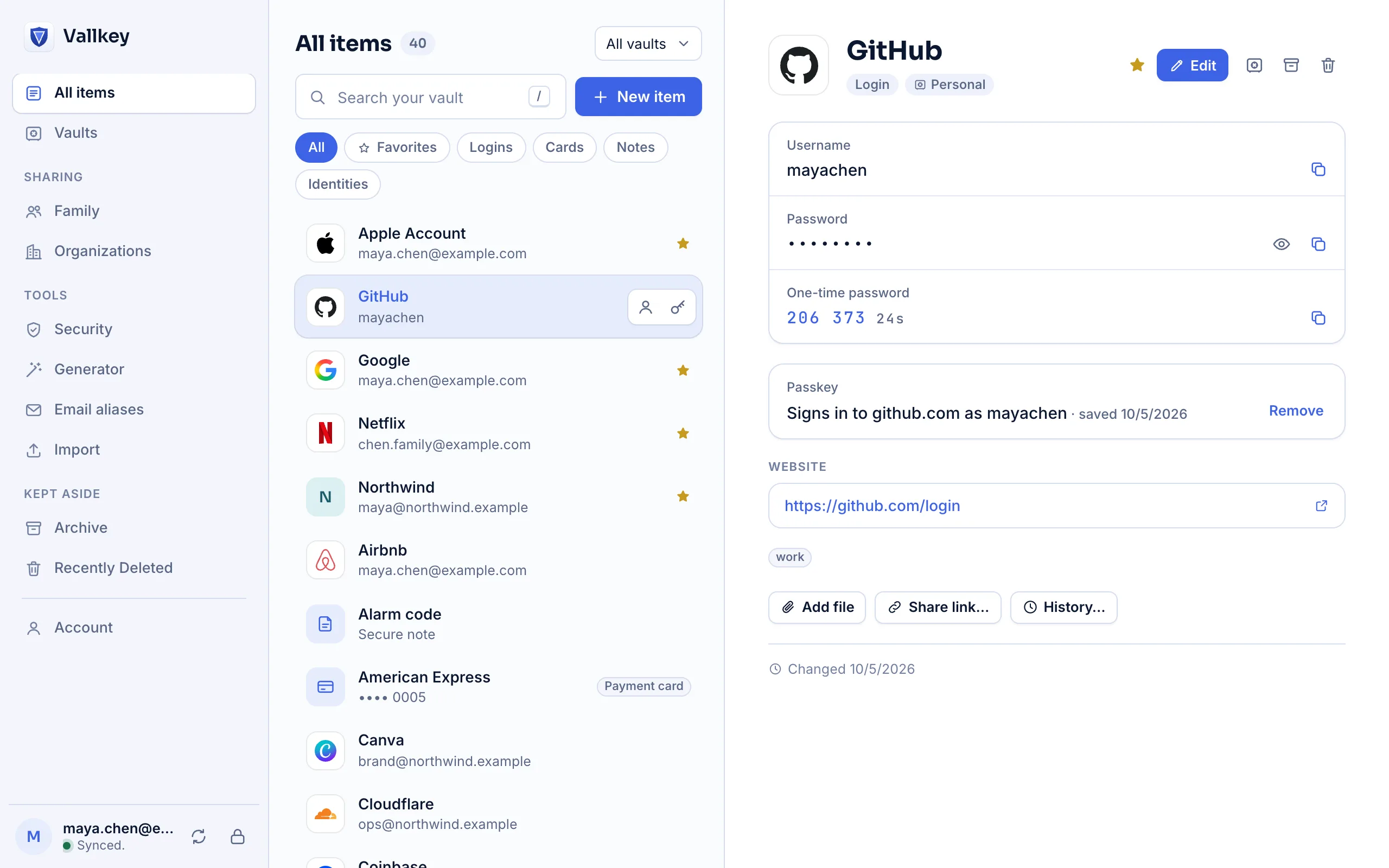
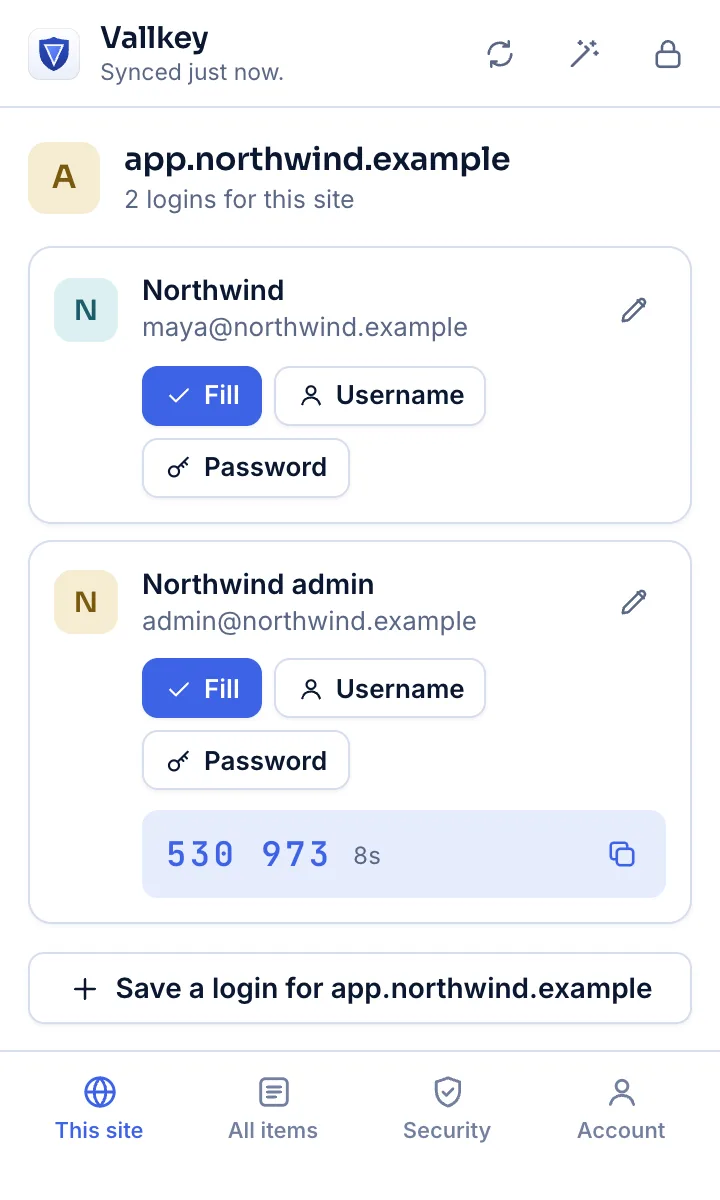
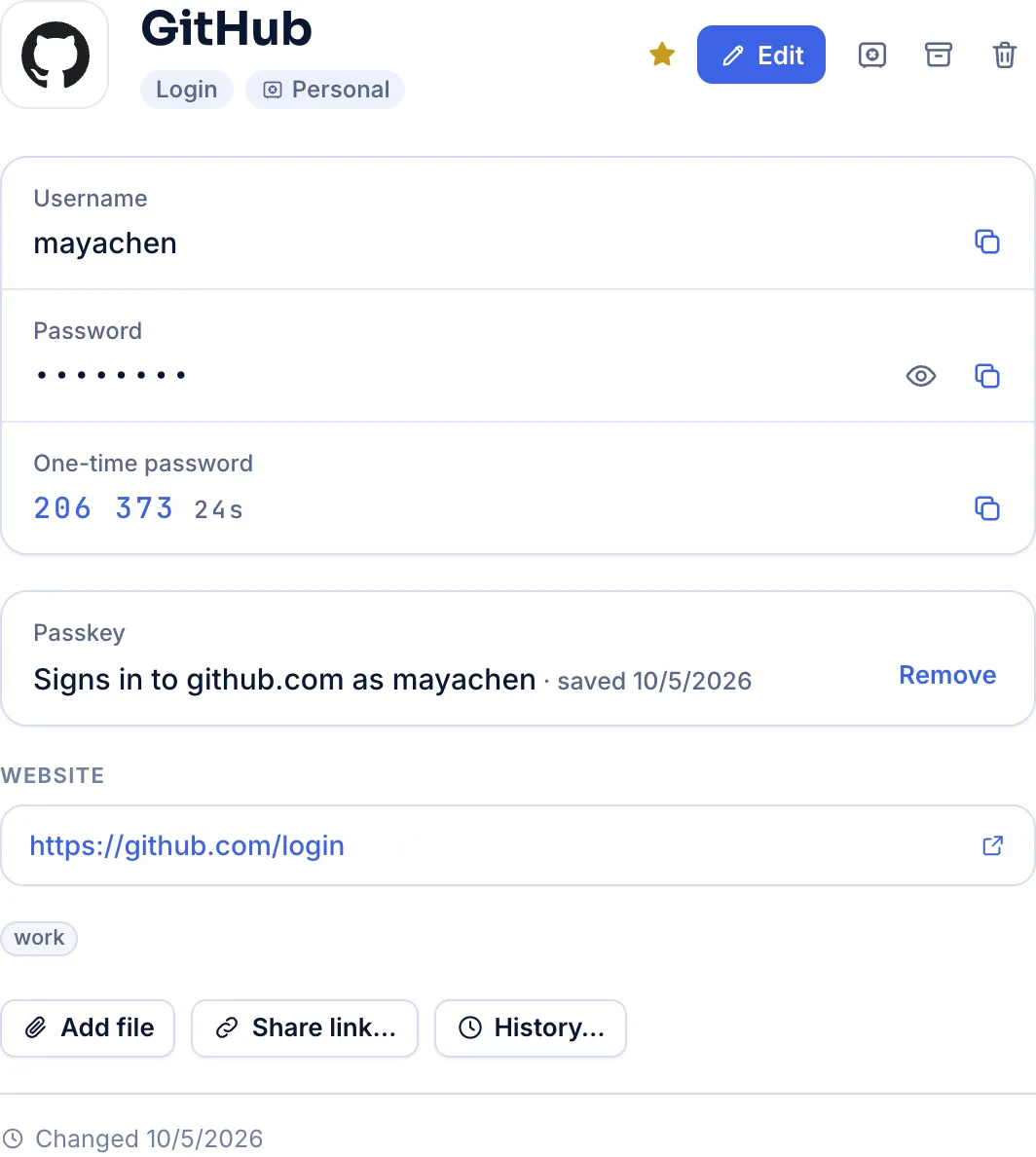
Why Vallkey
Each is a choice built into how Vallkey works, not a policy that could change next year.
Your vault is encrypted on your devices, website addresses included. Our servers can't read it, swap a key or roll it back without your devices noticing.
How it's securedKeep your vault in our cloud, on your own server, or only on your devices. Export everything, any time, in open formats.
How self-hosting worksYour price never goes up while you stay subscribed. It's written into the terms.
About the price lockLegacy contacts
Name the people who should inherit your vaults. If they ask, you have time to say no. If you can't answer, they get exactly what you chose.
Choose who, which vaults, and how long they must wait.
You're told at once, and have 7 to 90 days to deny it.
If you can't answer, they can view the vaults you left them, end-to-end encrypted.
Vallkey checks in if you stop using it for months, and Final instructions tell your contacts what to do with each account.
1Password users have asked for this for years. Vallkey has it on every plan, and Free includes one contact.
How legacy contacts work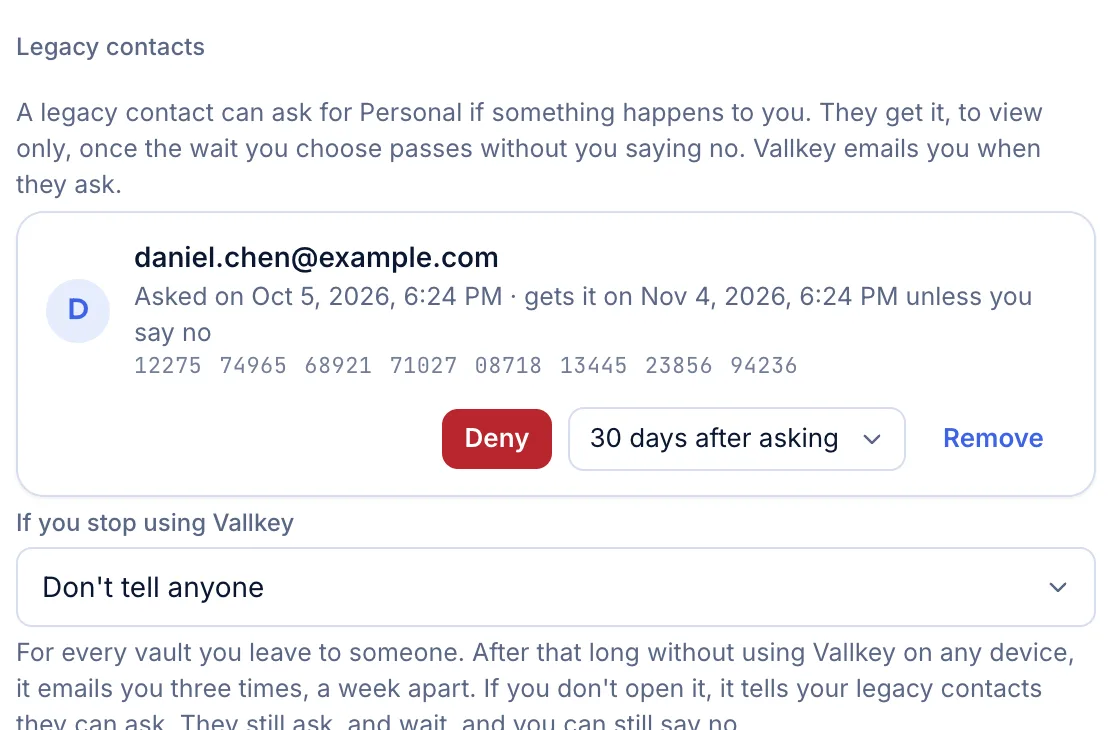
Password fixer
Security lists the passwords in breaches, reused between sites, easy to guess or sent without https. In your browser, Fix password changes each one on the site for you.
Breach checks send only the first 5 characters of a password's hash. Never the password.
About the password fixer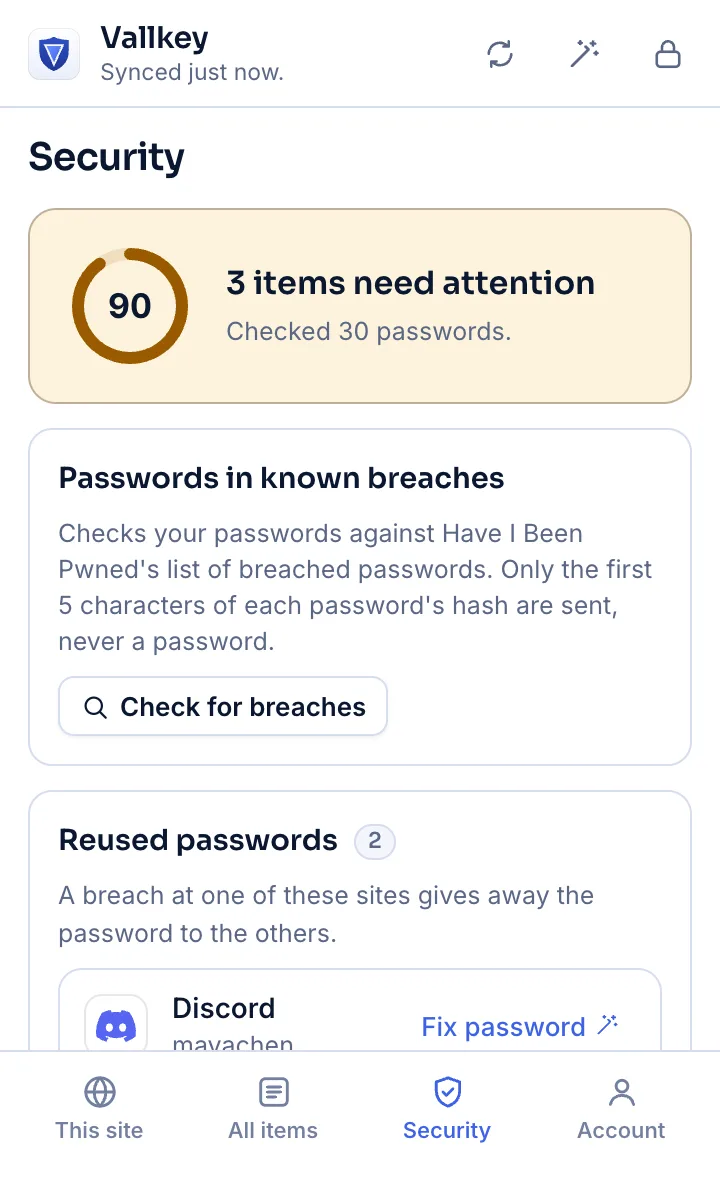
Everything you expect
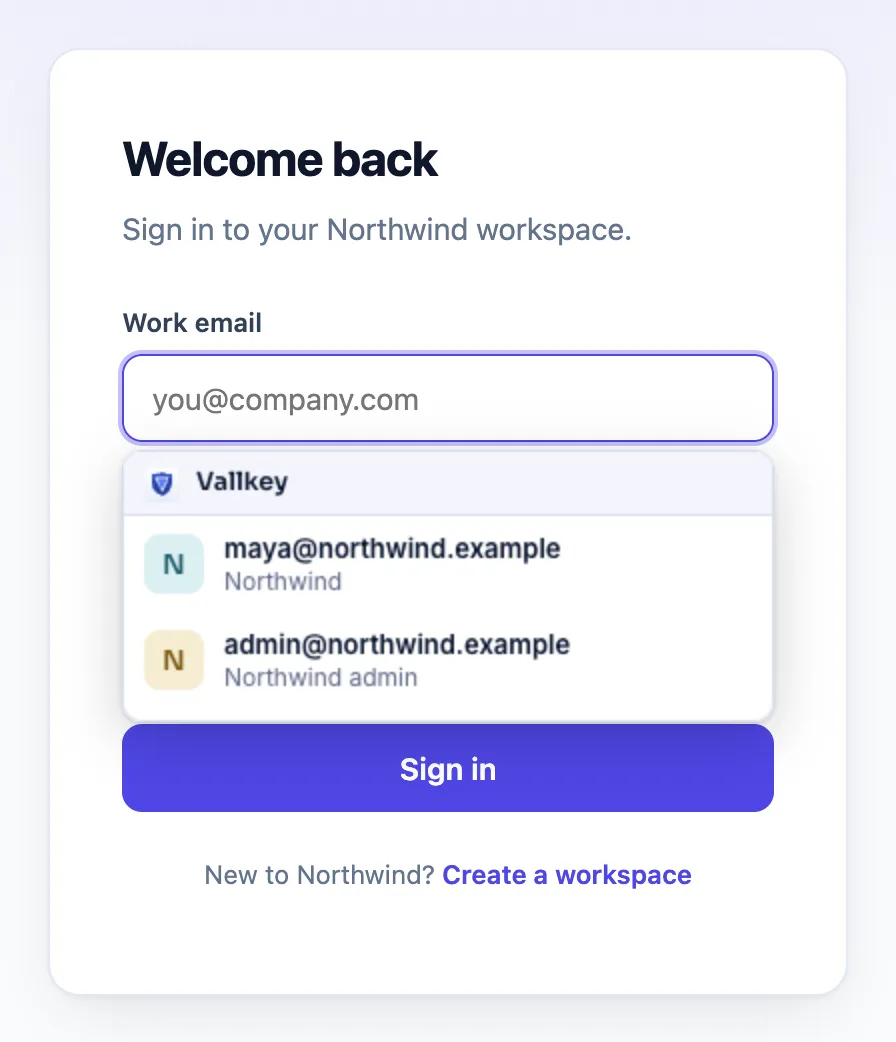
Fill logins, cards and addresses in browsers and apps, with an inline menu that never fills where it can't be seen.
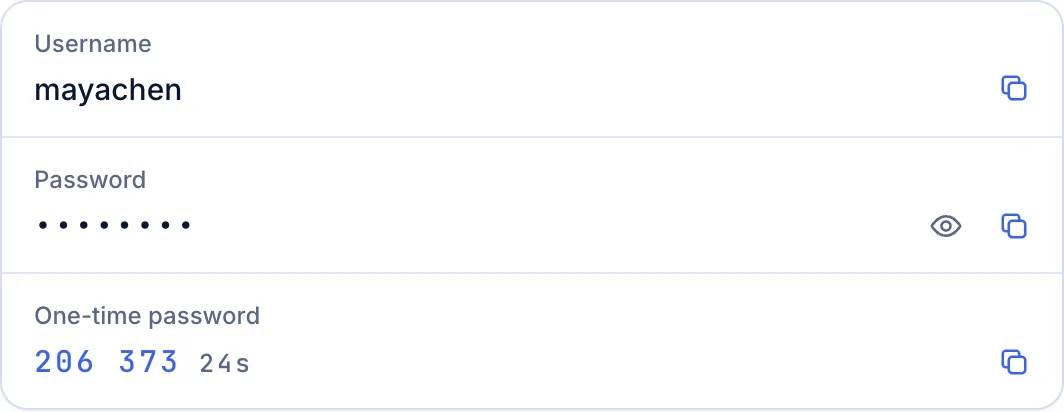
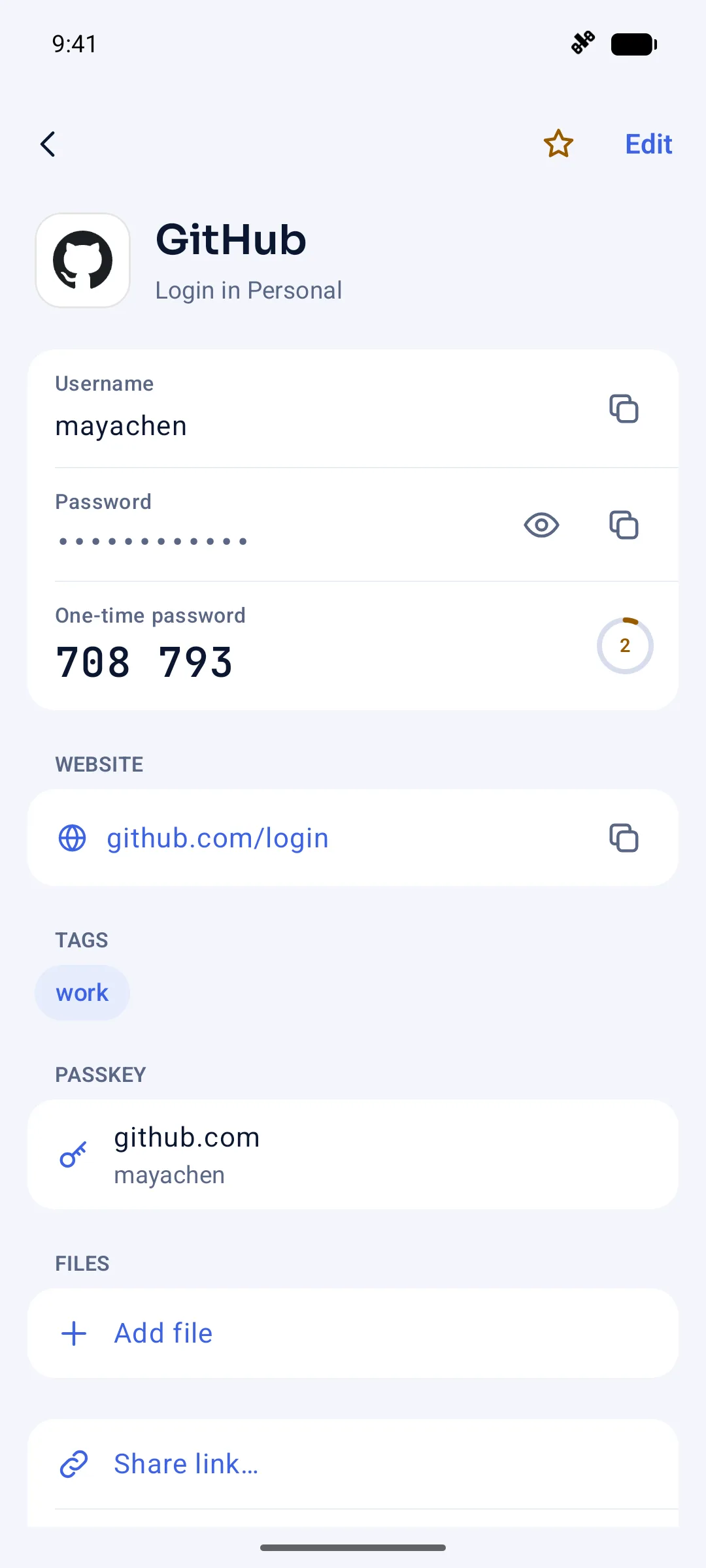
Every login in one vault, with its passkey and its one-time codes beside it.
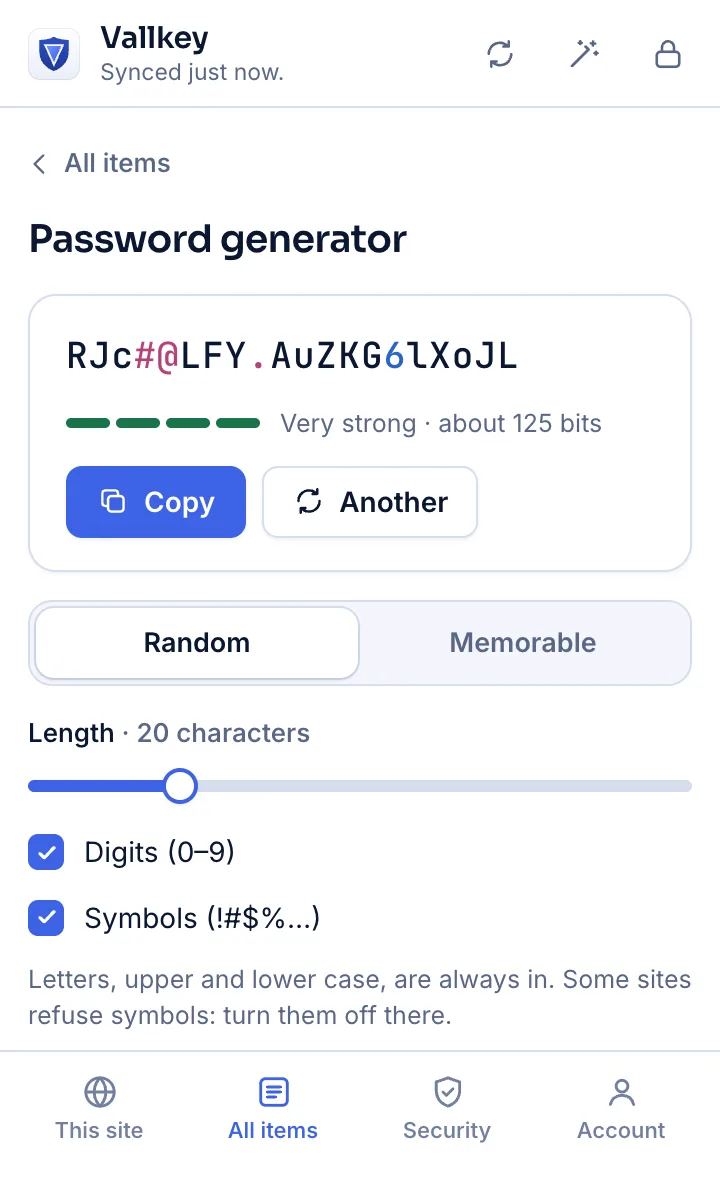
Random passwords and memorable passphrases, shaped to each site's rules.
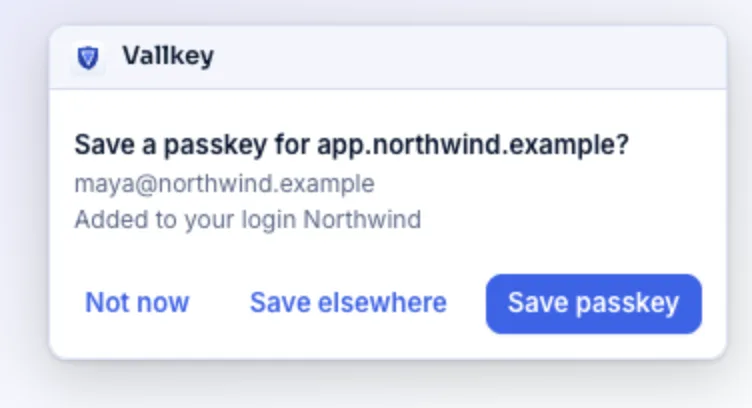
Create passkeys and sign in with them on every device, synced and end-to-end encrypted.
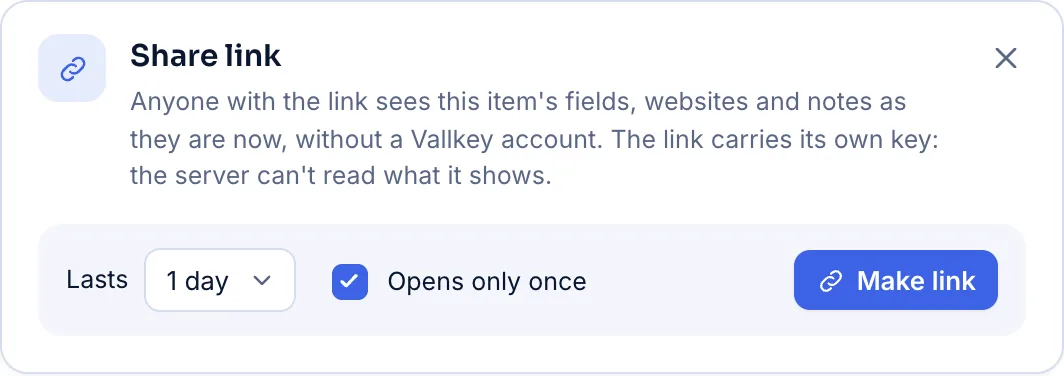
Send an item to anyone, even without an account: expiring, one-time, revocable.
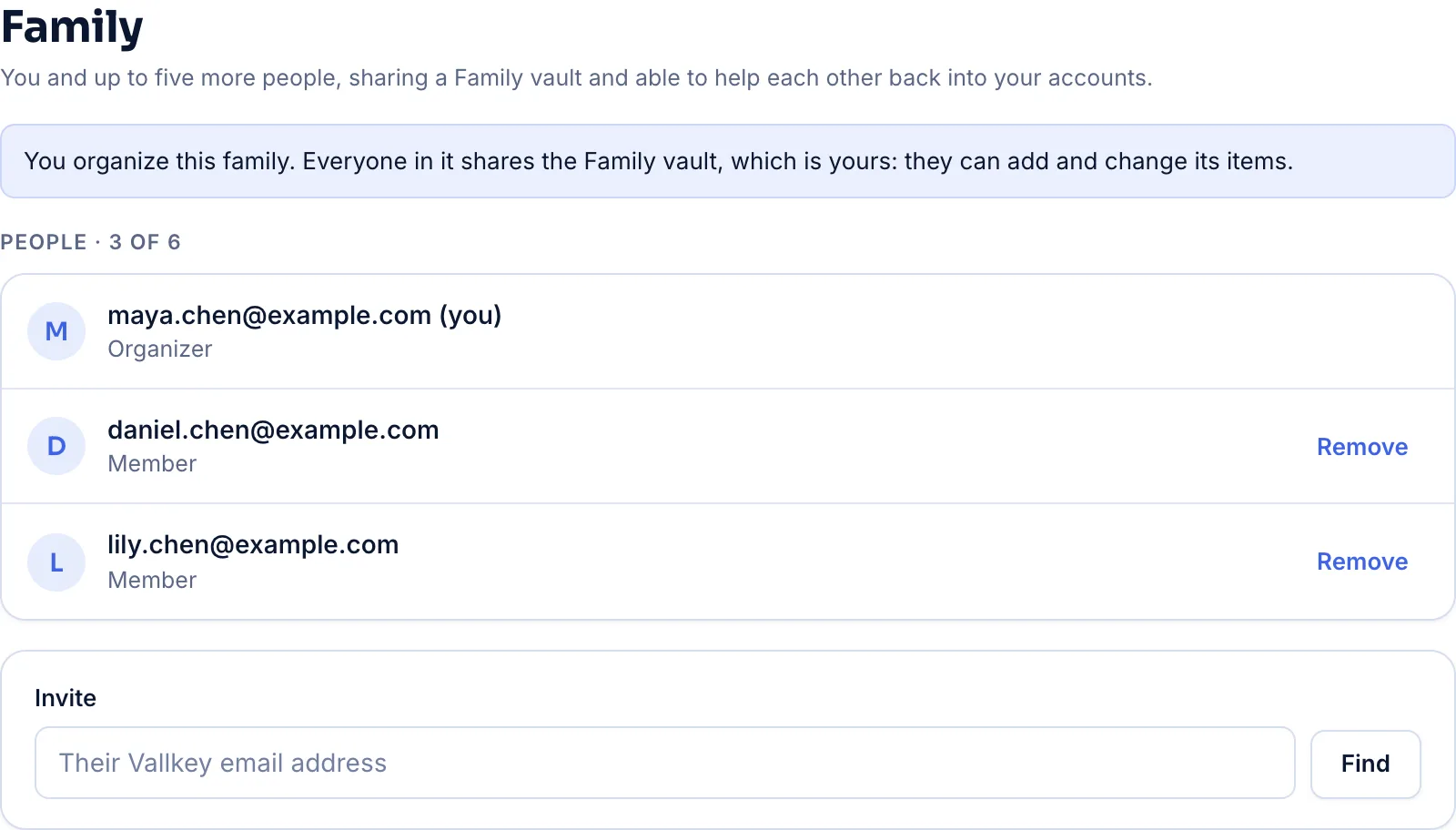
Up to six people, a shared family vault, and family recovery for anyone locked out.
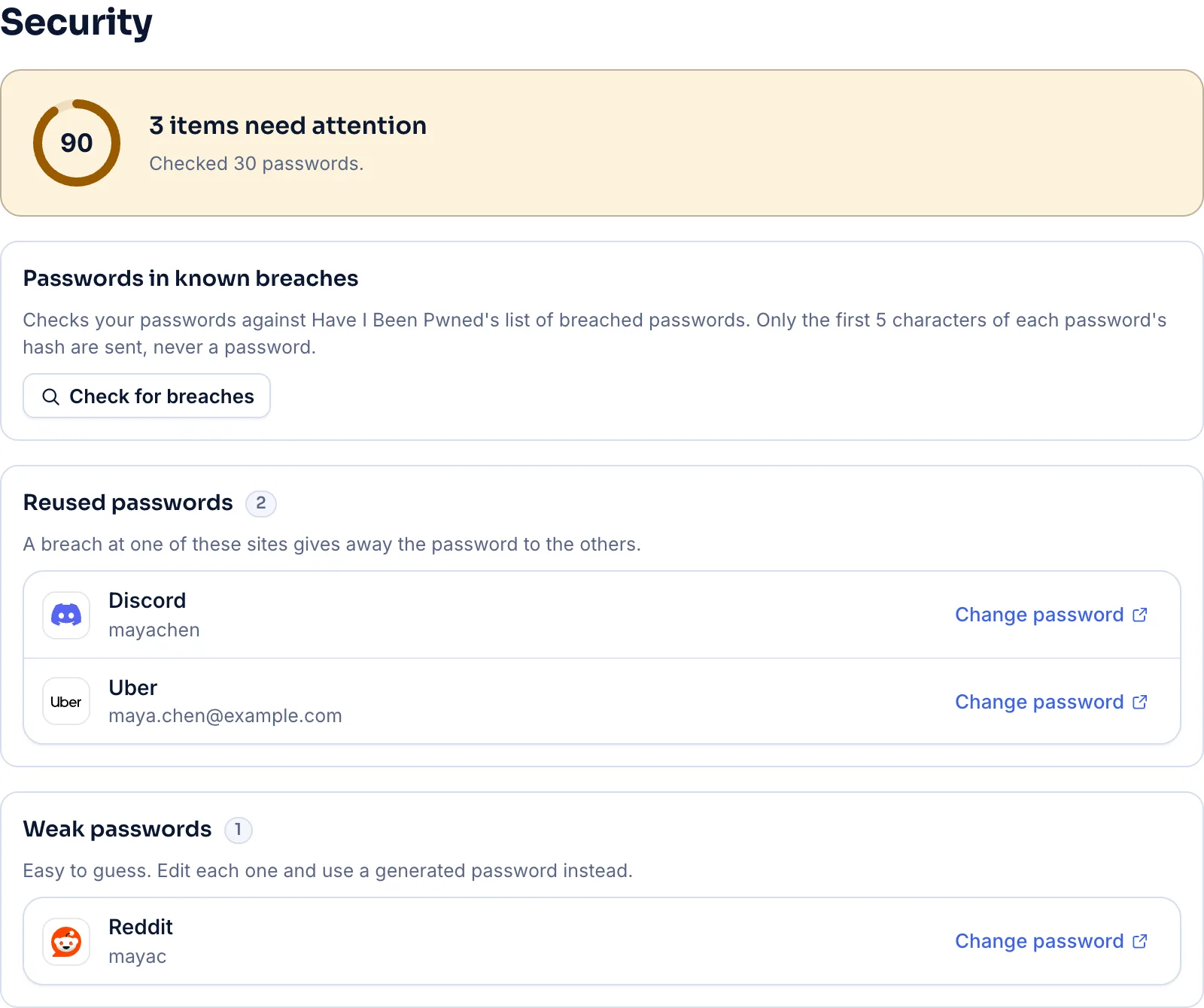
Breached, reused, weak and unencrypted passwords, checked on your device.
Every device
One vault, synced in seconds and end-to-end encrypted, with each platform's own way to unlock.
An inline menu under every field, passkeys, and one unlock with the desktop app. Brave, Opera, Vivaldi and Arc run the Chrome extension, and Safari runs it too, carried by the Mac and iPhone apps.
Get Vallkey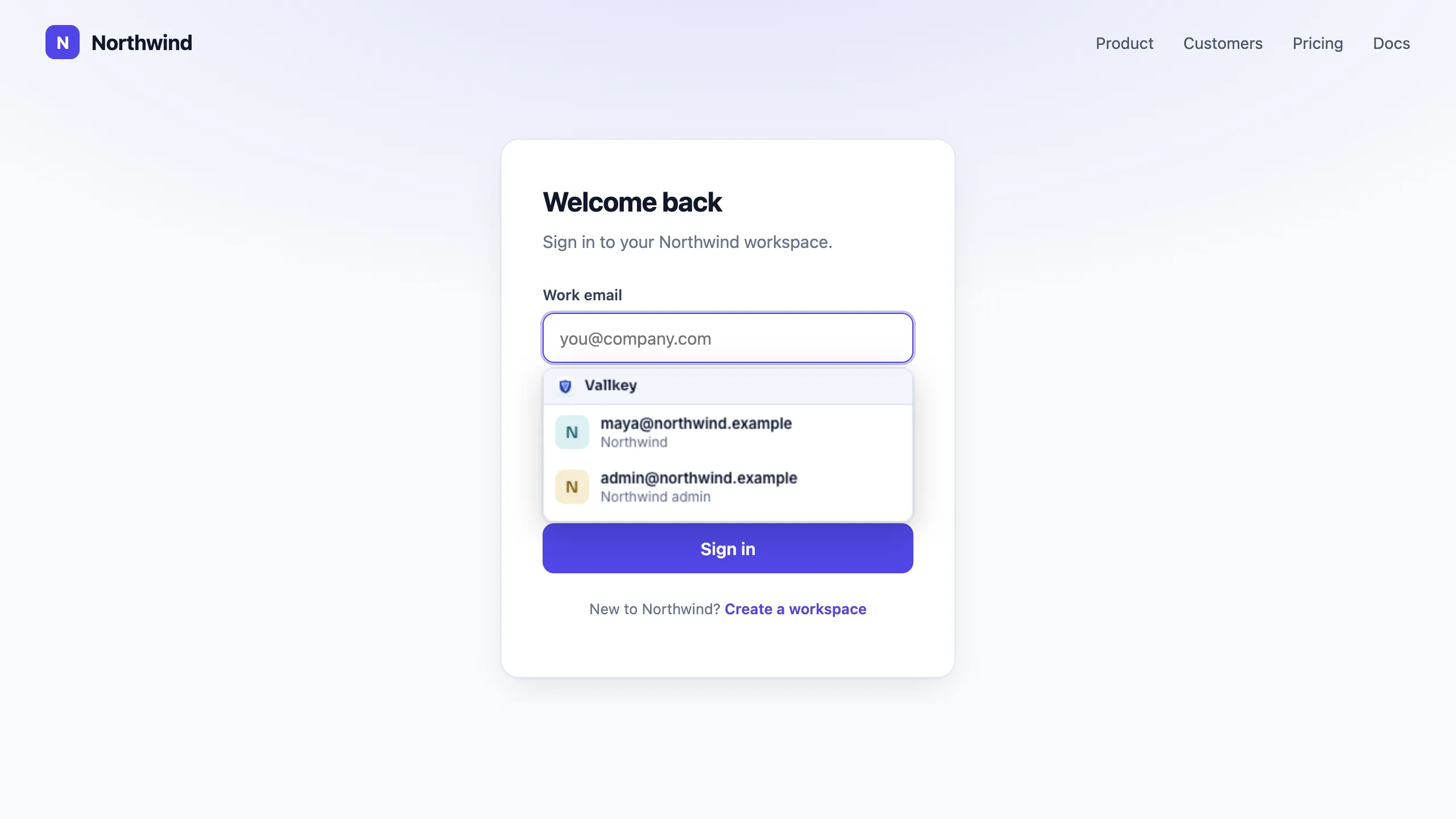
The full vault in a fast native app, unlocked with Windows Hello, locked when your PC sleeps.
Get VallkeyThe same app for Linux, unlocked with your system keyring, with a tray icon and locking with your screen.
Get Vallkey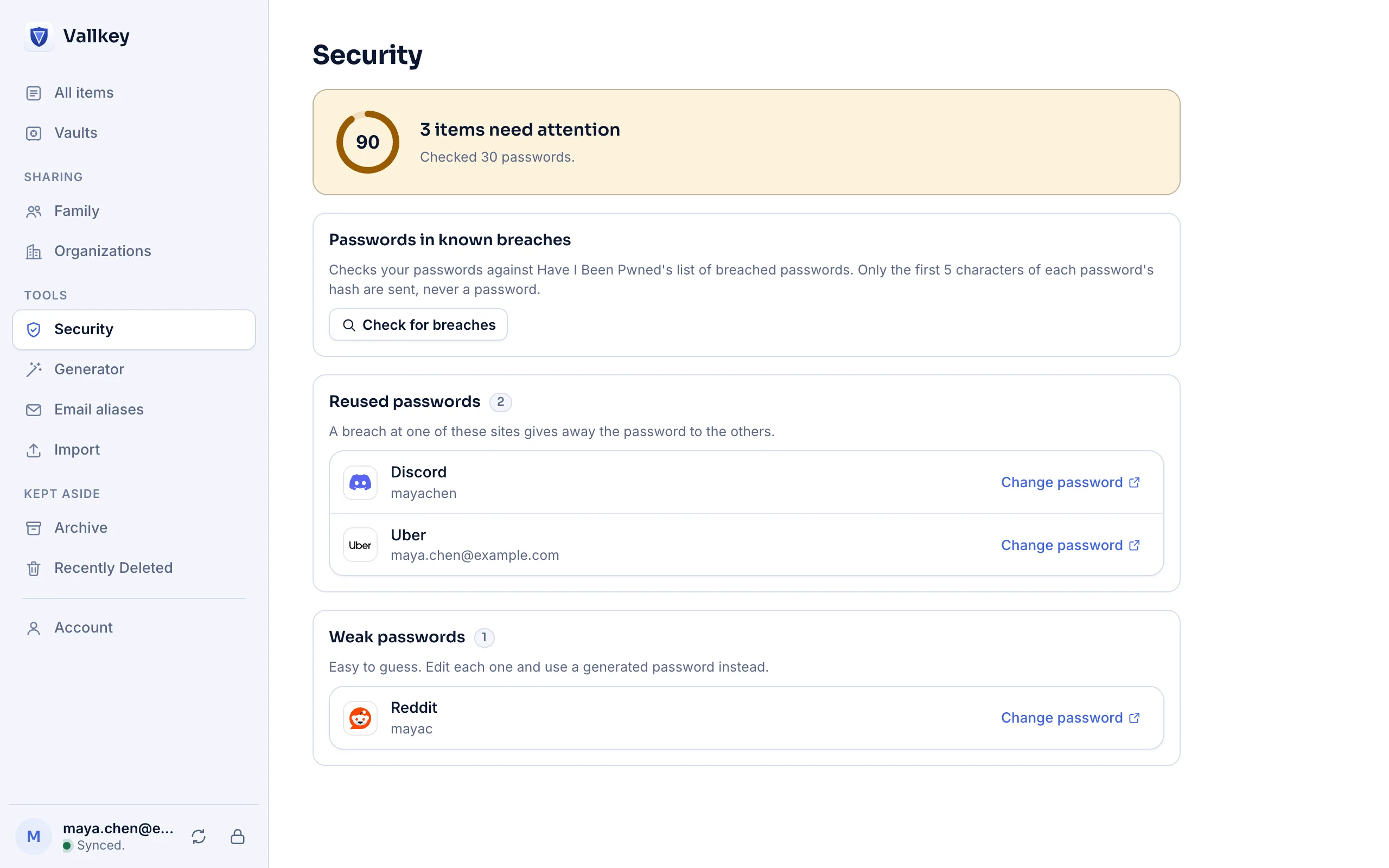
AutoFill in every app and in Safari, passkeys, and Face ID or Touch ID guarded by the Secure Enclave. A native Mac app with Touch ID, and Vallkey for Safari.
Get Vallkey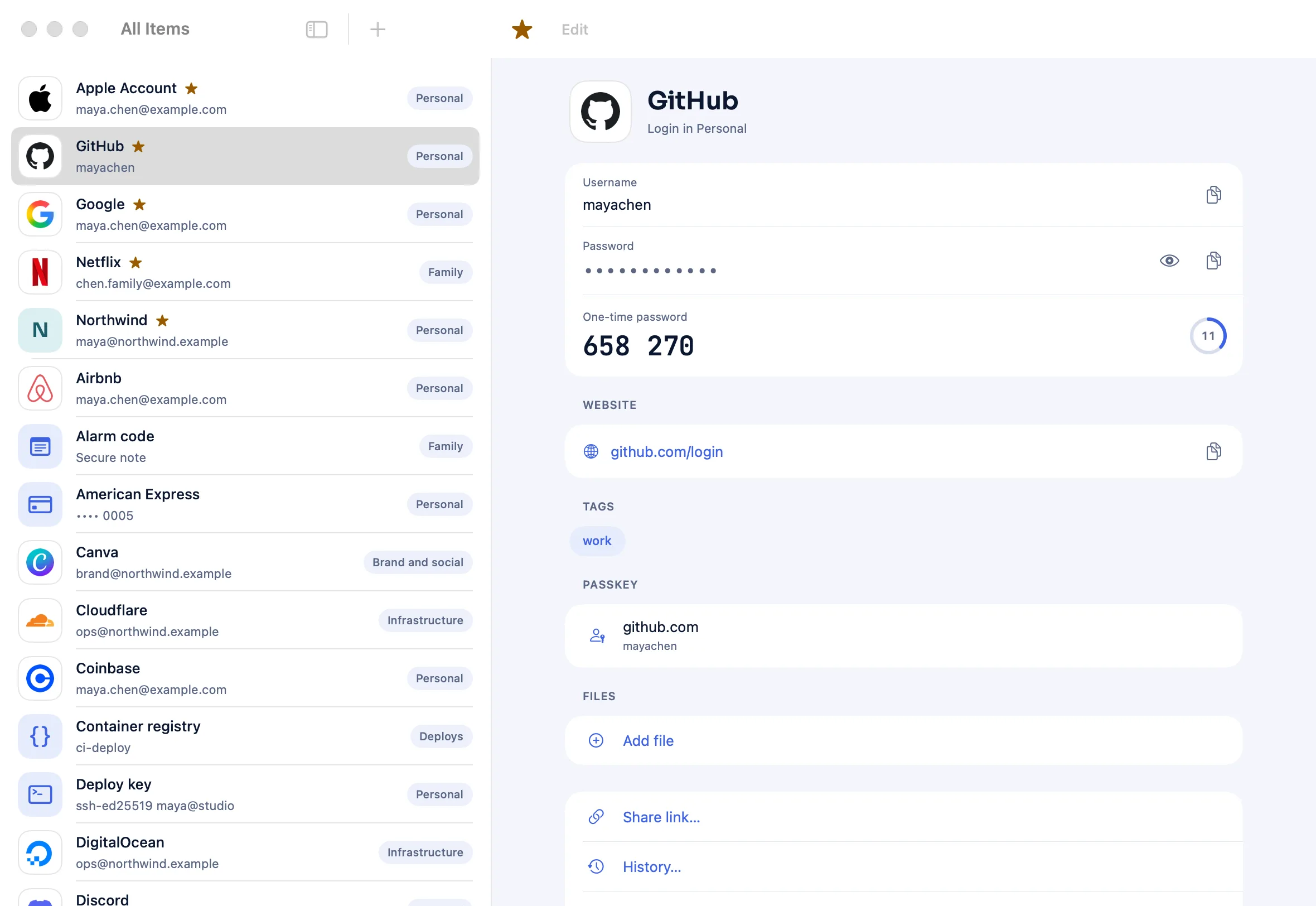
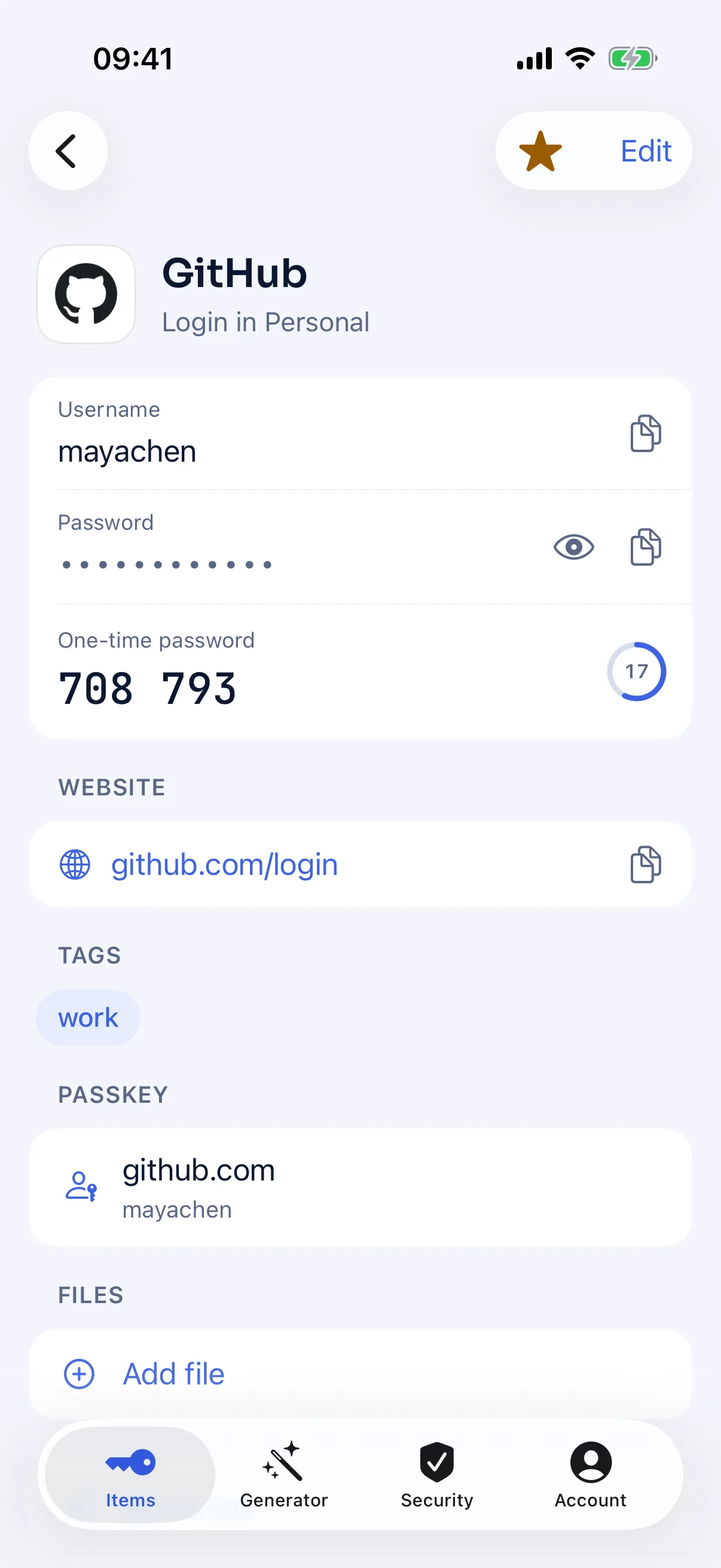
Autofill above the keyboard, passkeys through Credential Manager, and fingerprint or face unlock.
Get Vallkey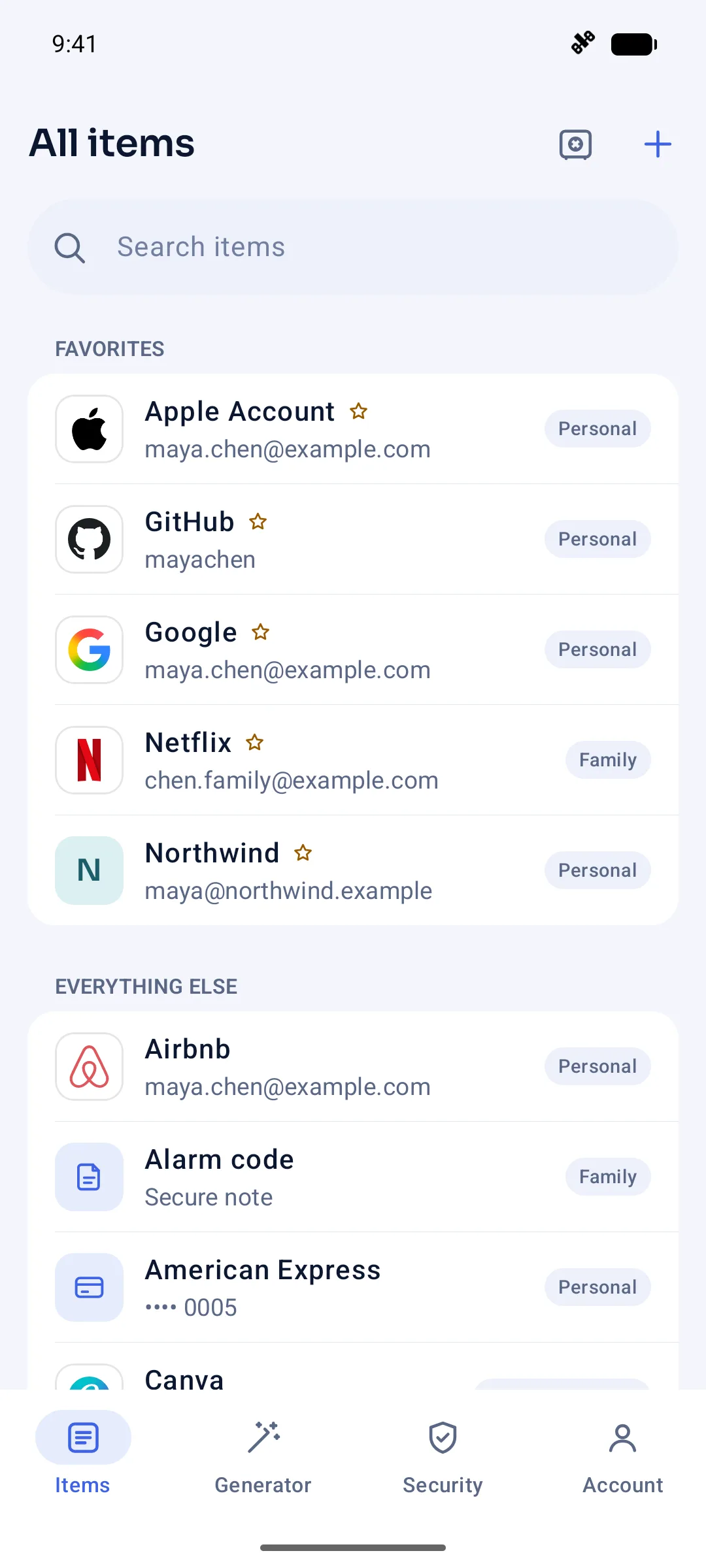
Security, simply
Your vault is encrypted on your device. Your keys never leave your devices.
The server never receives your master password, so it holds nothing a breach could crack, and a Secret Key only your devices hold makes guessing hopeless.
Titles, website addresses, tags and device names are encrypted: the gap that exposed LastPass users in 2022.
Signed vaults and a public log of account keys catch a server that lies, and shared vaults are protected against quantum computers.
Switch in minutes
Vallkey imports from 12 password managers and browsers, passkeys included from Credential Exchange files, and shows you what will come over before anything does.
From your old app, as its guide shows.
Vallkey checks the file and lists what it will bring.
And your browser's own password saving.
Leaving a paid plan? Premium is free for the months you've already paid for.
Compare
Side by side with the password managers you know, with sources for every fact.
'%3e%3cpath%20fill='black'%20fill-rule='evenodd'%20clip-rule='evenodd'%20d='M32%2016c0-8.836-7.164-16-16-16S0%207.164%200%2016c0%208.837%207.164%2016%2016%2016s16-7.163%2016-16ZM13.063%206.989c-.101.199-.101.459-.101.98v4.107c0%20.13%200%20.195.017.256a.464.464%200%200%200%20.07.148c.036.05.087.092.188.174l1.079.876c.121.099.182.148.204.208.02.052.02.11%200%20.162-.022.059-.083.108-.204.207l-1.08.877c-.1.082-.15.123-.187.173a.463.463%200%200%200-.07.149c-.017.06-.017.125-.017.255v8.47c0%20.521%200%20.782.101.98a.93.93%200%200%200%20.407.407c.198.101.459.101.98.101h3.1c.521%200%20.781%200%20.98-.101a.93.93%200%200%200%20.407-.407c.101-.198.101-.459.101-.98v-4.107c0-.13%200-.195-.016-.255a.465.465%200%200%200-.071-.149%201.019%201.019%200%200%200-.188-.174l-1.079-.876c-.121-.099-.182-.148-.204-.208a.232.232%200%200%201%200-.161c.022-.06.083-.11.204-.208l1.08-.877c.1-.081.15-.122.187-.173a.466.466%200%200%200%20.07-.149c.017-.06.017-.125.017-.255V7.97c0-.521%200-.781-.101-.98a.93.93%200%200%200-.407-.407c-.199-.101-.459-.101-.98-.101h-3.1c-.521%200-.781%200-.98.101a.93.93%200%200%200-.407.407Z'%20/%3e%3c/g%3e%3cdefs%3e%3cclipPath%20id='a'%3e%3cpath%20fill='%23fff'%20d='M0%200h32v32H0z'/%3e%3c/clipPath%3e%3c/defs%3e%3c/svg%3e)
'%3e%3cpath%20fill='white'%20fill-rule='evenodd'%20clip-rule='evenodd'%20d='M32%2016c0-8.836-7.164-16-16-16S0%207.164%200%2016c0%208.837%207.164%2016%2016%2016s16-7.163%2016-16ZM13.063%206.989c-.101.199-.101.459-.101.98v4.107c0%20.13%200%20.195.017.256a.464.464%200%200%200%20.07.148c.036.05.087.092.188.174l1.079.876c.121.099.182.148.204.208.02.052.02.11%200%20.162-.022.059-.083.108-.204.207l-1.08.877c-.1.082-.15.123-.187.173a.463.463%200%200%200-.07.149c-.017.06-.017.125-.017.255v8.47c0%20.521%200%20.782.101.98a.93.93%200%200%200%20.407.407c.198.101.459.101.98.101h3.1c.521%200%20.781%200%20.98-.101a.93.93%200%200%200%20.407-.407c.101-.198.101-.459.101-.98v-4.107c0-.13%200-.195-.016-.255a.465.465%200%200%200-.071-.149%201.019%201.019%200%200%200-.188-.174l-1.079-.876c-.121-.099-.182-.148-.204-.208a.232.232%200%200%201%200-.161c.022-.06.083-.11.204-.208l1.08-.877c.1-.081.15-.122.187-.173a.466.466%200%200%200%20.07-.149c.017-.06.017-.125.017-.255V7.97c0-.521%200-.781-.101-.98a.93.93%200%200%200-.407-.407c-.199-.101-.459-.101-.98-.101h-3.1c-.521%200-.781%200-.98.101a.93.93%200%200%200-.407.407Z'/%3e%3c/g%3e%3cdefs%3e%3cclipPath%20id='a'%3e%3cpath%20fill='%23fff'%20d='M0%200h32v32H0z'/%3e%3c/clipPath%3e%3c/defs%3e%3c/svg%3e) Vallkey vs 1PasswordChoose Vallkey for legacy contacts, self-hosting, a server that can't swap keys or roll back your vault, and a price that won't rise while you stay.Compare
Vallkey vs 1PasswordChoose Vallkey for legacy contacts, self-hosting, a server that can't swap keys or roll back your vault, and a price that won't rise while you stay.Compare Vallkey vs BitwardenChoose Vallkey for legacy contacts on the free plan, post-quantum sharing, key transparency, a master password that never reaches the server, and a price lock in writing.Compare
 Vallkey vs Apple PasswordsChoose Vallkey for Android and Linux, sharing with anyone, legacy contacts for any vault, and a vault you can take anywhere.Compare
Pricing
$35.88 a year: 1Password's old price, locked for as long as you stay.
For everyone, for good.
$0
Join the waitlistRecommended
For people who want it all.
$2.99/month$35.88 billed yearly
Join the waitlistFor up to 6 people.
$4.99/month$59.88 billed yearly
Join the waitlistFor teams and companies.
$7/user/monthbilled monthly
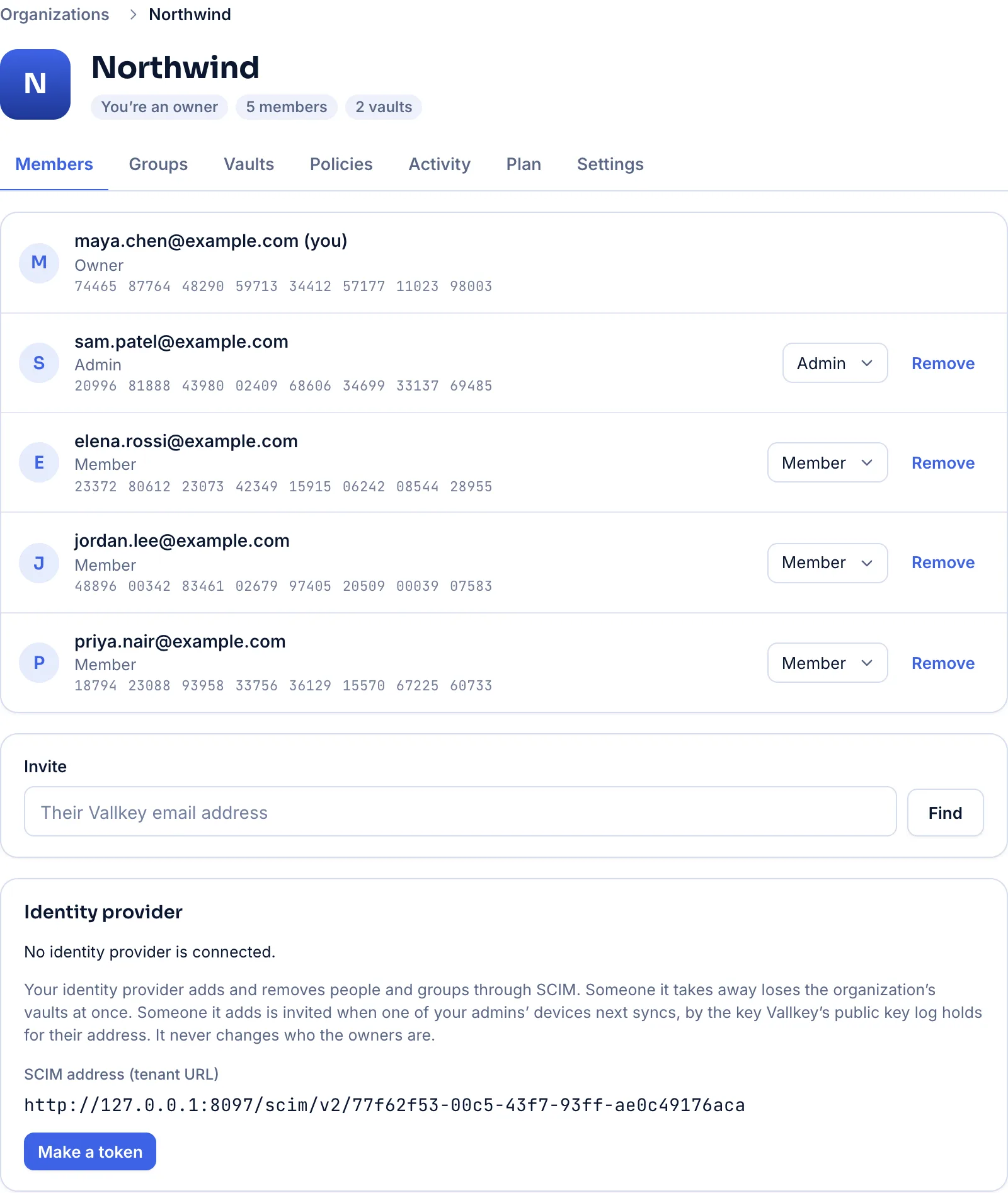
Talk to salesAn admin console, SSO, SCIM, policies and audit logs, self-hostable, with a price that doesn't creep.
Questions
Yes. Free has unlimited passwords, passkeys, 2FA codes and devices, sharing, and one legacy contact, for good. Premium adds the password fixer changing passwords for you, files, unlimited email aliases, more legacy contacts and priority support.
Use your recovery code, from your Emergency Kit, with a code Vallkey emails you. In a family, the organizer can help you back in. Vallkey itself can't reset it: it never knows it.
No. Your vault is encrypted on your devices with keys we never have, and your master password never reaches our servers. Website addresses, titles and tags are encrypted too.
Your vault stays on your devices and keeps working offline. You can export everything in open formats, or move to another app with a Credential Exchange file.
Yes. Every independent review of Vallkey is published here, in full and unedited.
It's a clause in our terms: while your subscription continues, its price doesn't go up. Each price is kept with your subscription, and a later, higher price never replaces it.
Yes, in Chrome, Edge, Firefox, Safari and the browsers built on Chrome, on iPhone and iPad, and on Android.
The server that runs Vallkey Cloud also runs on your own machines, as one binary.
Export from your old app and import the file in Vallkey. Our switch guides show each step, and the import shows what will come over before anything does.
Yes. Each device keeps your vault, encrypted, and opens and fills it without a connection. Changes sync when you're back online.
Vallkey opens soon. Join the waitlist to hear first.
